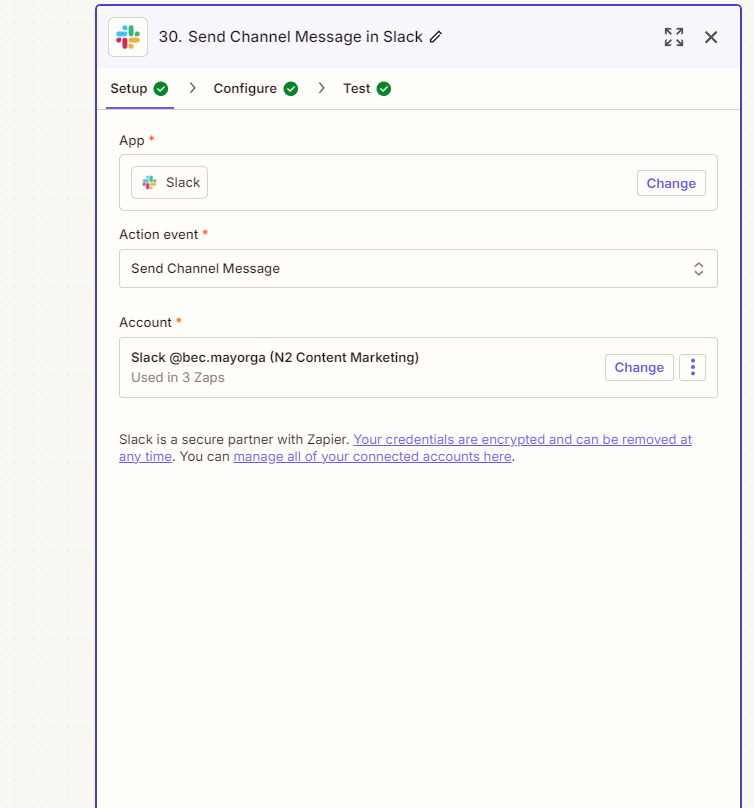
Zapier Automation is a powerful tool that connects your favorite apps and automates repetitive tasks without the need for coding. With Zapier, users can create workflows—called “Zaps”—that trigger actions across apps, saving valuable time and ensuring smooth operations.
For businesses, Zapier streamlines data transfer, integrates systems, and boosts productivity. Whether it’s automating lead generation, customer support, or sales follow-ups, Zapier simplifies the process, making it a must-have for professionals who want to focus on more important tasks while leaving the repetitive ones to automation.
Introduction: Why Automation is the Key to Business Success 🌟
In today’s fast-paced business world, staying ahead of the competition requires more than just hard work – it requires smart work. One of the most powerful tools to achieve this is business automation. Studies show that businesses that embrace automation are 6 times more likely to achieve significant revenue growth compared to those that don’t. 📈
The benefits of automation extend far beyond just reducing manual labor. It can streamline operations, improve customer satisfaction, and, most importantly, drive substantial revenue growth. Let’s explore why automating your business is not just a trend, but a crucial strategy for long-term success. ⚙️
What Does Business Automation Mean? 🤖
Business automation involves using technology to perform repetitive tasks, optimize processes, and manage workflows with minimal human intervention. From marketing automation (like email campaigns) to customer service (such as automated support systems), automation touches every aspect of a business. Here’s how:
Marketing Automation: Automating email campaigns, social media posts, and lead generation processes.
Sales Automation: Automating CRM systems, follow-ups, and lead nurturing.
Customer Service Automation: Implementing chatbots, help desks, and ticketing systems to provide 24/7 support.
By removing the manual effort involved in these tasks, businesses can focus on strategy and innovation.
Why Automated Businesses See Significant Revenue Growth 📊💡
Increased Efficiency = More Time for Strategy ⏰ Automation takes care of time-consuming tasks, allowing your team to focus on high-impact activities like developing new products, creating growth strategies, or engaging with customers. This efficiency is key to scaling your business and increasing revenue.
Improved Customer Experience 🏅 Automation ensures that your customers receive timely and consistent communication. Whether it’s through personalized email marketing or automated follow-up sequences, customers feel valued, leading to higher retention and loyalty, which translates into higher sales.
Reduced Costs 💵 With automation, businesses can reduce overhead costs by minimizing the need for manual labor. This enables companies to reallocate resources towards innovation or expanding their offerings, leading to better revenue opportunities.
Data-Driven Decision Making 📉📈 Automated systems provide detailed insights into your business performance, including customer behaviors, sales metrics, and campaign results. This valuable data helps businesses make informed decisions, refine strategies, and optimize for growth.
6X More Likely to Achieve Revenue Growth – The Data Behind the Claim 📊📈
According to recent studies, businesses that adopt automation are 6 times more likely to achieve significant revenue growth than those that don’t. This remarkable statistic emphasizes the power of automation in today’s business landscape. Here’s why:
Scale Faster: Automation enables businesses to handle increased demand without scaling their workforce.
Maximized Productivity: Streamlined processes increase output with fewer resources.
Faster Time-to-Market: Automation allows businesses to launch new products and services more quickly, capturing market share before competitors.
The ability to scale efficiently, deliver quality consistently, and innovate continuously are all contributors to the 6X revenue growth. 🏆
How to Get Started with Business Automation 🚀
Ready to unlock the power of automation for your business? Here’s how you can get started:
1. Identify Key Areas for Automation 🔍
Start by evaluating which processes in your business are most time-consuming or repetitive. These could include:
Email marketing campaigns
Lead generation and qualification
Social media scheduling and posting
Customer support and communication
2. Choose the Right Tools and Platforms 🛠️
There are various automation tools available, each catering to specific business needs. Some popular platforms include:
HubSpot: Great for marketing automation and CRM management.
Zapier: Automates workflows across different apps.
Make: For connecting apps and automating tasks with minimal code.
3. Implement Automation Gradually 🐢
Start small by automating one area of your business, such as your email marketing or social media posting. As you see results, expand automation to other areas of your business. This allows for smooth integration and minimizes disruptions.
4. Monitor and Optimize 🔄
Once automation is in place, continuously monitor its performance. Use data analytics to identify areas for improvement and tweak your processes to enhance efficiency.
The Future of Automation and Business Growth 🌍
The future of business lies in its ability to automate more processes. As technology advances, the scope for automation continues to grow. For businesses to remain competitive, embracing automation is no longer optional – it’s a necessity. 🚀
Automating your business can lead to higher productivity, improved customer experiences, and ultimately, significant revenue growth. The businesses that adapt now will reap the rewards in the coming years. 🌱
Start Automating Your Business Today! 🚀
Ready to transform your business? Start using automation tools to streamline your operations and unlock the potential for exponential growth. Sign up for Make Automation and discover how easily you can automate your business processes: Sign up for Make Automation
SEO Optimization Instructions
Focus Keyword in Title: “Highly Automated Businesses Are 6 Times More Likely to Achieve Significant Revenue Growth” should appear prominently in the title for visibility.
Focus Keyword in Meta Description: Ensure the keyword appears in the meta description for SEO optimization.
Focus Keyword in URL: The URL should include keywords such as “highly-automated-businesses-revenue-growth” for easy indexing.
Subheadings: Use keyword variations in subheadings like “Automated Business Success” and “Revenue Growth with Automation” to maintain SEO consistency.
Alt Text for Images: Use relevant, keyword-rich descriptions for images, such as “Business Automation Process” and “Revenue Growth with Automation.”
Conclusion: Automation is the Future of Business Success 🚀
Embracing automation is more than just a smart decision – it’s the key to staying competitive and ensuring growth in today’s fast-paced world. Highly automated businesses are better equipped to adapt, innovate, and achieve substantial revenue growth. Start implementing automation today and watch your business thrive! 🌱
Streamlining Data Integration with Make Automation
Background:
A leading e-commerce company was struggling with manual data entry across multiple platforms. They wanted to automate the transfer of customer data between their CRM, shipping system, and inventory management tool.
Objective:
The goal was to reduce manual labor, avoid errors, and improve the efficiency of their data processes.
Automation Solution:
We leveraged Make automation to connect their systems. With Make, the customer could easily integrate their CRM with their shipping system and inventory management, ensuring data flowed seamlessly across platforms. Make’s drag-and-drop interface enabled quick setup, and with minimal maintenance, the automation took over tedious tasks.
Automated Data Transfer: Customer data entered into the CRM was instantly transferred to the shipping system.
Inventory Updates: When an order was placed, Make updated the inventory in real-time.
Results:
The business experienced a 30% reduction in manual data entry time and saw an improvement in inventory accuracy, leading to faster order fulfillment and a better customer experience.
AI Audio Transcription: Convert Speech to Text Effortlessly 🎙️
Meta Description: Transform your audio files into highly accurate text documents with AI Audio Transcription. Improve accessibility, automate note-taking, and boost productivity.
Introduction
AI-powered audio transcription is transforming industries by converting speech into accurate text effortlessly. From journalists to businesses, automated transcription saves time, enhances accessibility, and eliminates manual effort.
Features
✅ High Accuracy: Uses advanced NLP models to ensure precise transcriptions. ✅ Multi-Language Support: Transcribe audio in multiple languages and dialects. ✅ Speaker Identification: Differentiates between multiple speakers automatically. ✅ Custom Formatting: Outputs text in various formats like DOCX, PDF, or plain text. ✅ Cloud-Based Processing: Upload and transcribe on the go without heavy software.
Benefits
💡 Saves Time: Automate lengthy manual transcription tasks. 💡 Boosts Accessibility: Helps individuals with hearing impairments access content. 💡 Improves Efficiency: Enables quick and seamless content creation for marketing teams. 💡 Enhances Documentation: Ideal for business meetings, lectures, and legal proceedings.
Case Study: How XYZ Media Company Reduced Transcription Time by 60%
XYZ Media Company, a digital news platform, used AI audio transcription to automate interview transcriptions. This reduced manual effort by 60% and enabled their team to publish articles twice as fast.
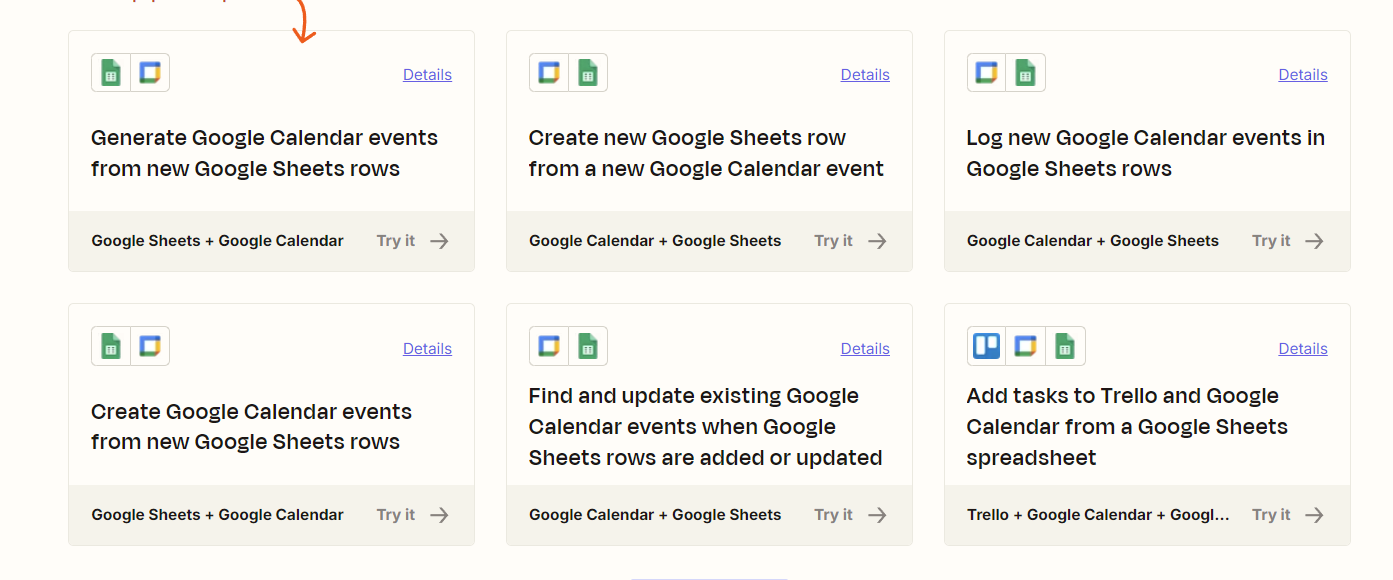
Google Sheets + Google Calendar – Streamlining Event Scheduling
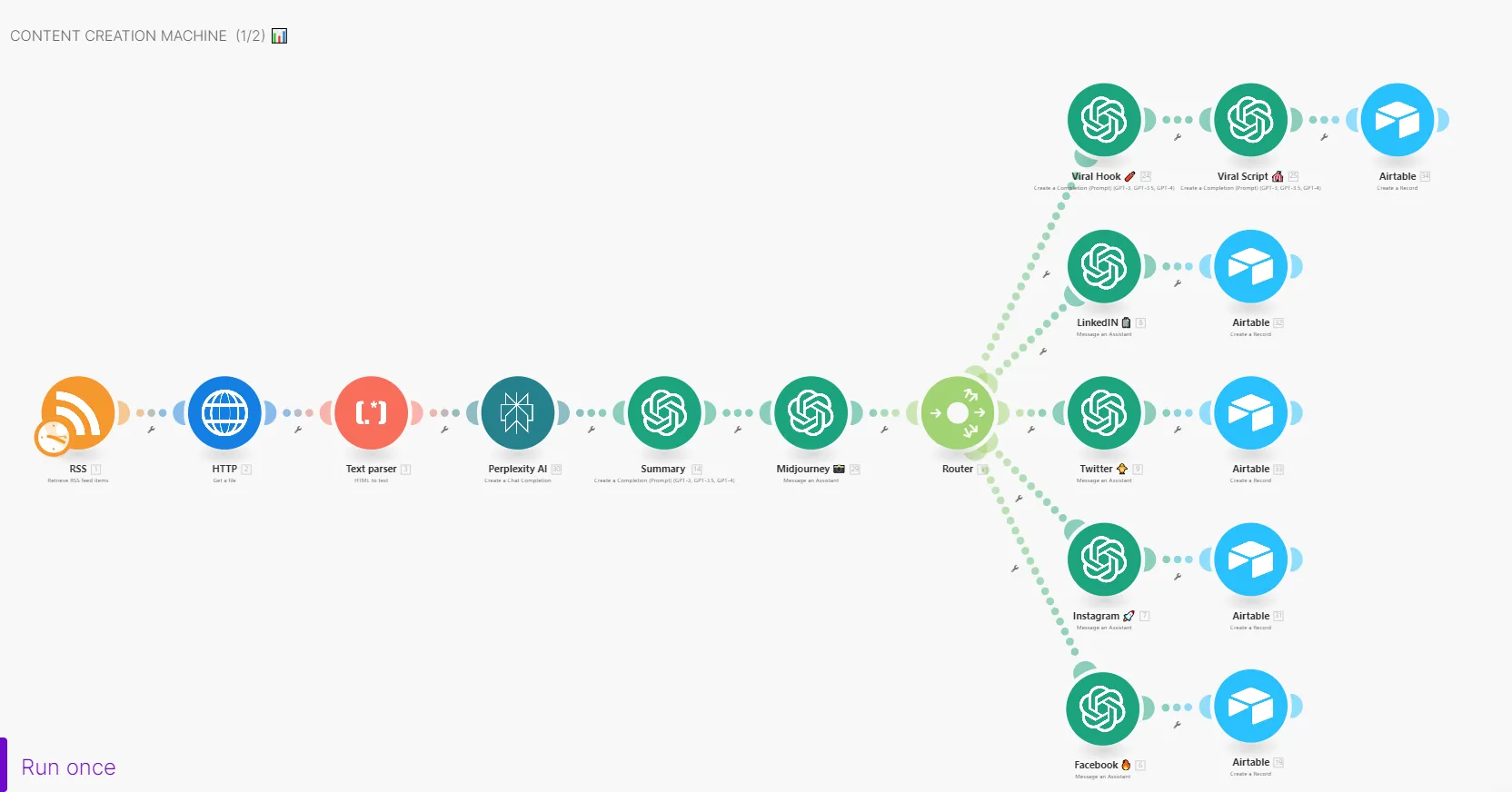
Objective: To create a streamlined system for generating engaging social media content for platforms like Instagram, Facebook, LinkedIn, Twitter, and TikTok. This system automates content ideation, creation, and optimization using ChatGPT 4.0 and AI-powered agents for analyzing viral trends.
App Overview: Google Sheets allows you to manage data in a tabular format, and Google Calendar helps you schedule and manage events. Combining these tools can automate event scheduling based on specific data entries.
Trigger: A new row is added in Google Sheets containing event details (date, time, location, participants).
Action: Google Calendar creates an event with the data from the Google Sheets row.
Workflow:
When a new row is added in Google Sheets (containing event details), Google Calendar automatically creates an event for the specified time and date. It also populates the event with the location and attendees directly from the sheet, saving time on manual data entry. Benefits & Achievements:
Reduces Errors: Automating event creation eliminates human errors in transferring details between platforms. Saves Time: No manual entry of event data into Google Calendar, saving time and effort for employees. Cost-Effective: By reducing the need for manual labor, businesses save on operational costs. Leverages Automation: The integration enhances team collaboration by automatically syncing schedules without human intervention.